 ..
..Jailbreaking My Kindle: Reigniting a Passion for Reading
Table of Contents
Introduction
I resolved to read more books this year. For the past years, I have set myself back, reading only one or two books (sometimes none), and spent my time on things that contributed little to my knowledge. I looked back and realized I had an old Kindle lying around, waiting to be used. However, with a monopoly like Amazon, it is hard to truly own your books.
And so, I jailbroke my Kindle.
The spark came from a random YouTube video that stumbled onto my feed. It looked intimidating at first; I had not jailbroken a device since an old iPhone 4s over a decade ago. But that is exactly where I found the excitement. It is like my old Kindle Basic Gen 10 has been fully resurfaced and brought back to life.
Kindle Modding: Where to Start
If you find yourself wanting to jailbreak your own device, it is important to know that YouTube videos become outdated quickly. To keep up with the latest updates and safest procedures, always refer to actual documentation sites.
The official community resource is https://kindlemodding.org/.
It takes no more than 15 minutes to jailbreak your Kindle, and every instruction and file you need is provided on the site. If you need general help, they also have an active Discord community ready to assist.
What is in it? The Benefits of Ownership
The original Kindle Amazon UI is still available, but now you truly own your books and can sideload a variety of “apps” onto the device.
- KOreader: This is now your main reading program. It is also available for phones, allowing you to seamlessly sync your reading progress between devices. It has tons of customizations and requires minimal learning.
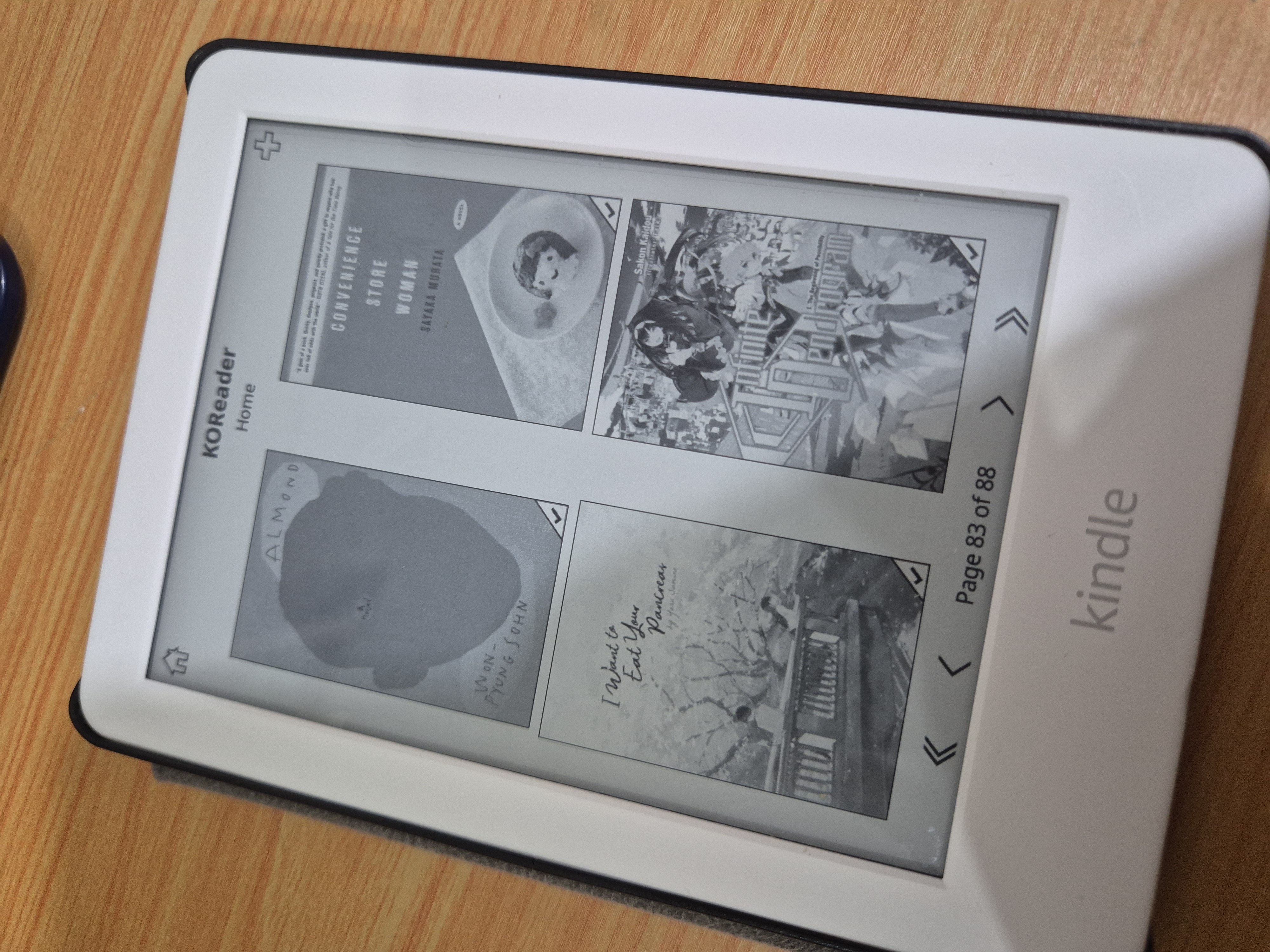
KOreader home directory
-
Open File Types: No more strict book types. You can use standard EPUBs, PDFs, and others. You can drag and drop or wirelessly connect with Calibre, resulting in less hassle.
-
Community Apps: The community makes specialized apps for the Kindle. I personally love KindleFetch, which lets you download your books directly via the Kindle without needing another device. There are even apps for Wordle, Tetris, and even Anki for the Kindle, giving you the general idea of the possibilities.
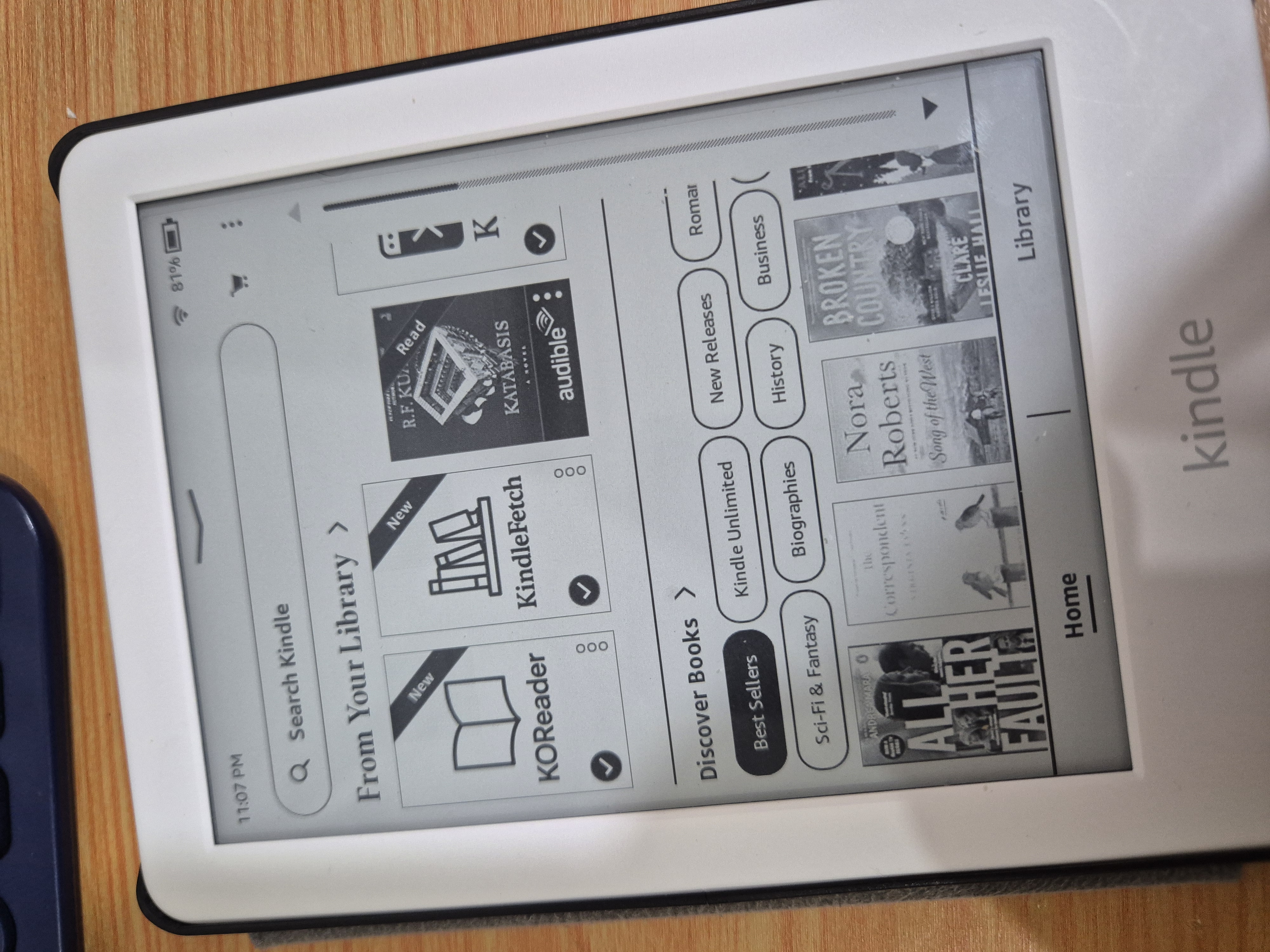
App icons on default UI
Tracking and The Impact
I use Hardcover to integrate my reading progress. I find this better than Goodreads personally, though it still has room for improvement. Nonetheless, it keeps track of your books and helps your friends see what you are currently reading.
Jailbreaking my Kindle made it feel brand new again. It brought back my love for reading, and I have already finished almost 30 books this year. I use it every day, especially at night, enjoying the backlight while I read a few chapters before sleeping. I also have way more books on it than I can finish anytime soon, which honestly makes me happy.